
Your phone is your lifeline on the road; it’s your map, translator, camera, and wallet all in one. But before you jet off, a quick digital cleanup can save you stress later. Unused apps, hidden data, and old files can slow performance or expose personal info. Clearing unnecessary clutter not only frees up space for travel photos but also strengthens your privacy while abroad. A tidy phone runs faster, stays safer, and lets you focus on the journey, not storage warnings.
1. Unused Apps
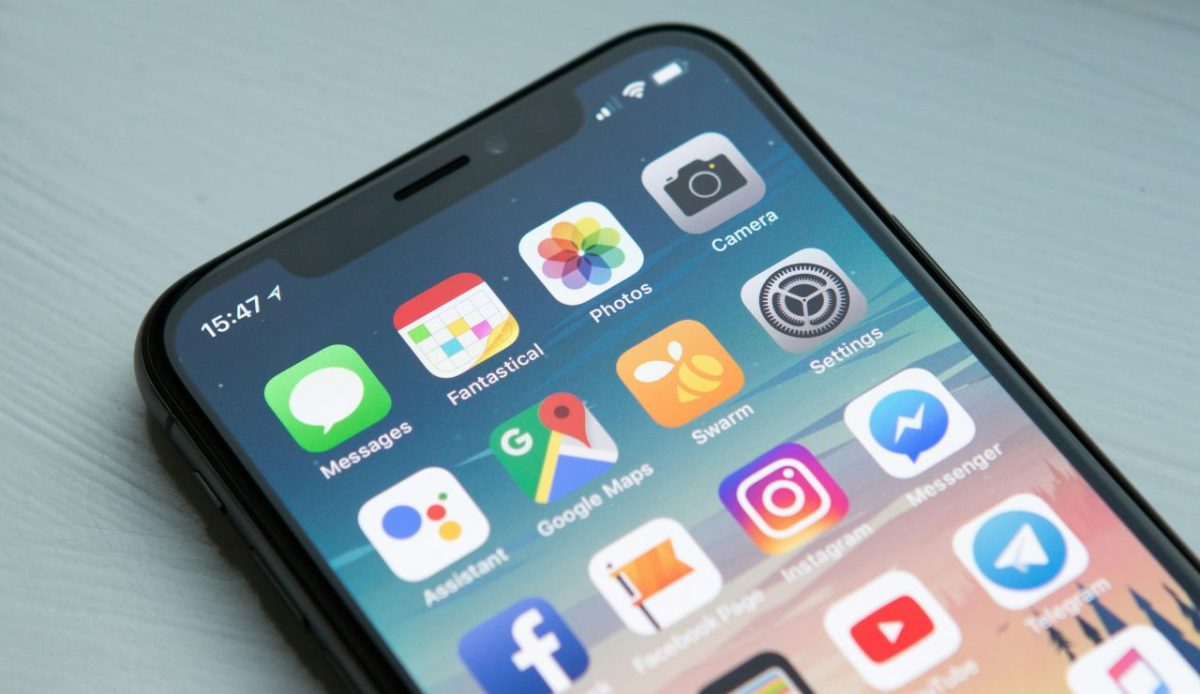
Scroll through your home screen and you’ll probably spot apps you haven’t opened in months. Those forgotten tools quietly eat storage and battery while tracking your data in the background. Delete them before traveling, especially ones tied to outdated accounts or expired services. A cleaner app list keeps your device lighter, faster, and more secure. The extra space can store travel photos, maps, and essential documents without slowing performance mid-trip.
2. Saved Passwords and Auto-Logins
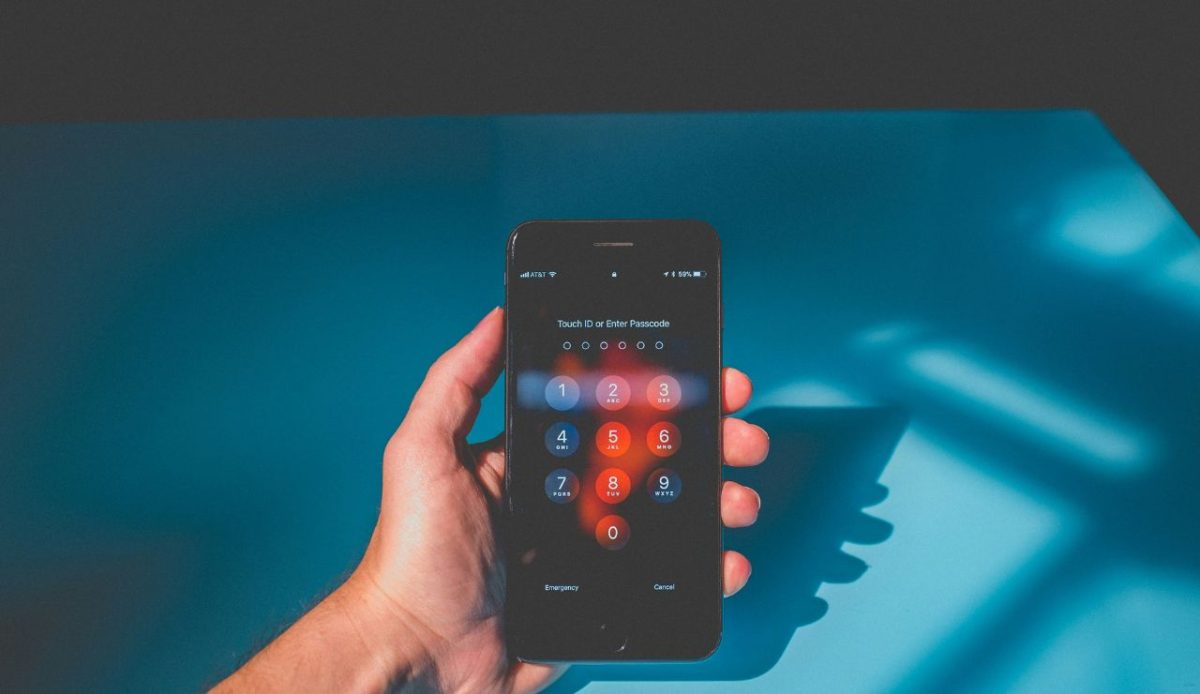
Saved passwords might feel convenient, but they’re a goldmine for hackers if your phone gets lost or compromised abroad. Many browsers and apps store login credentials unencrypted, making it easy for intruders to access your email, social media, or bank accounts. Before you travel, wipe all saved logins from browsers and apps, and switch to a password manager with a single master key. It’s a small adjustment that provides major security, especially on public Wi-Fi networks.
3. Sensitive Photos or Documents

Many travelers store personal photos, scans of passports, or travel confirmations on their phones for quick access, but that convenience carries big risks. If your phone is lost or stolen, those files can expose sensitive details like ID numbers or signatures. Before your trip, transfer them to a secure cloud or encrypted folder, then delete local copies. Keeping your device free of private information means one less worry when crossing borders or connecting to public Wi-Fi.
4. Old Boarding Passes and Travel QR Codes
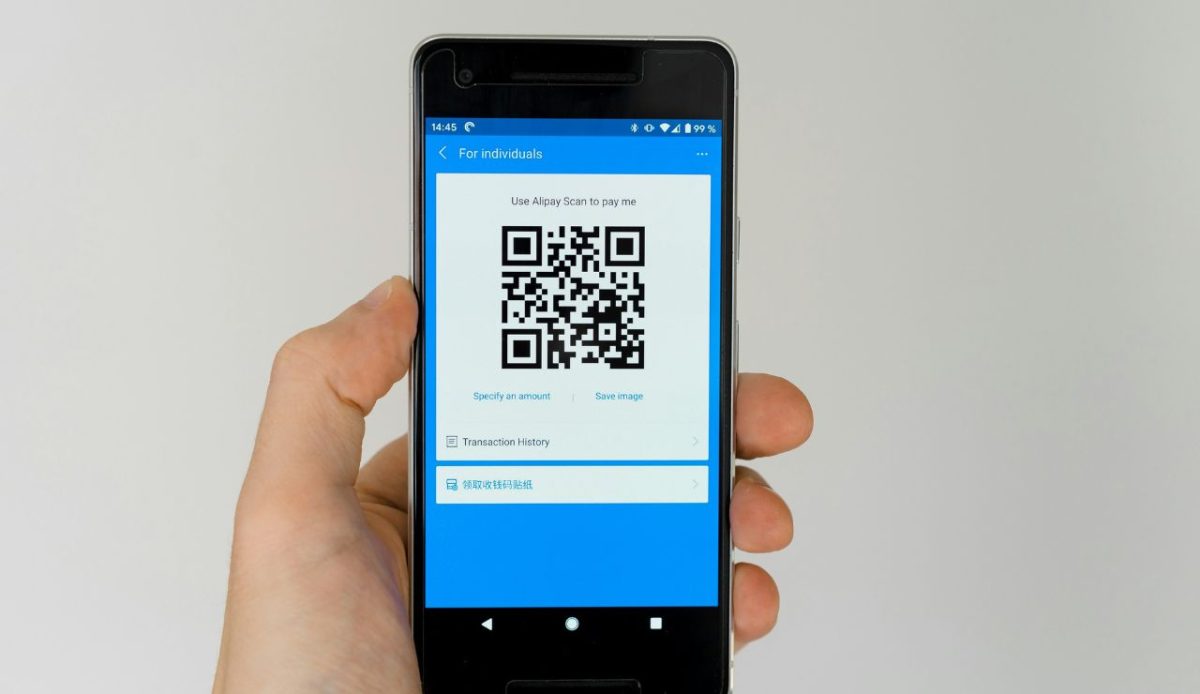
Those old boarding passes and outdated event QR codes may look harmless, but many still contain personal details, booking numbers, names, and frequent flyer data. Before your next trip, delete every expired travel file and pass from your wallet apps. Keeping them clutters your phone and increases your digital footprint. A simple sweep ensures only current, relevant travel documents remain, keeping your information private and your wallet app organized.
5. Location History and Cached Maps
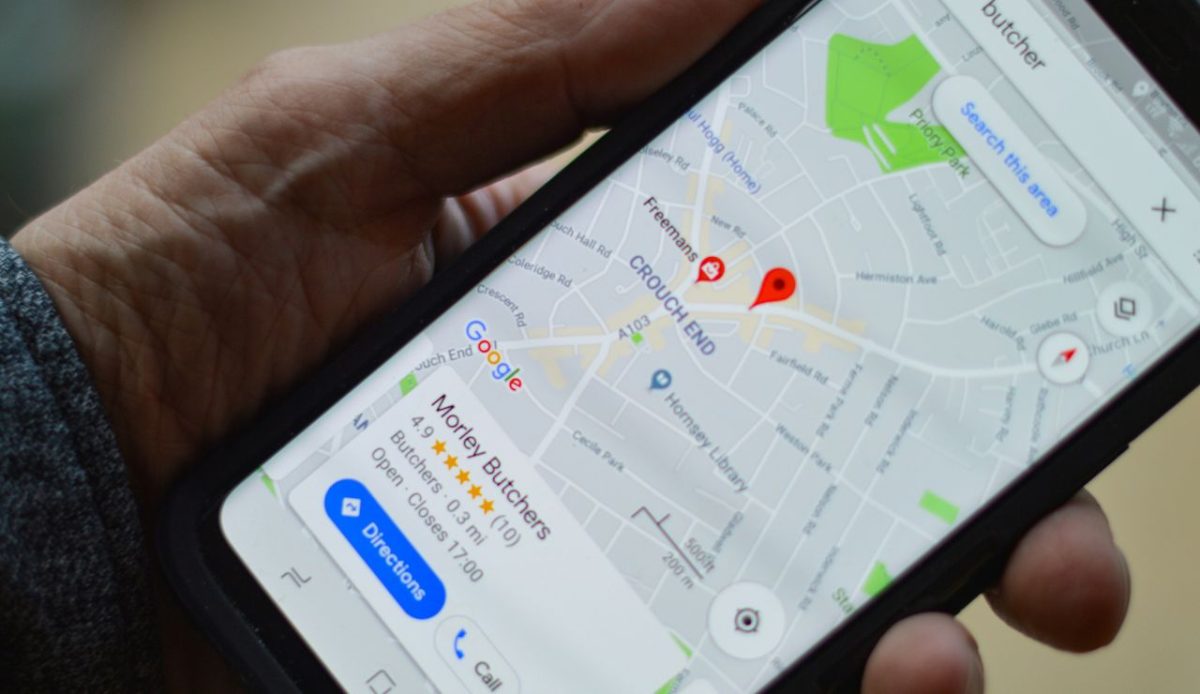
Apps like Google Maps or weather trackers quietly log your every move, storing months of location history. Before traveling, clear those records and cached data. Download fresh offline maps instead for smoother navigation. This not only protects your privacy but also ensures you’re using updated information. Your phone shouldn’t remember where you’ve been, just help you get where you’re going next, safely and without leaving a digital trail behind.
6. Outdated Travel Apps
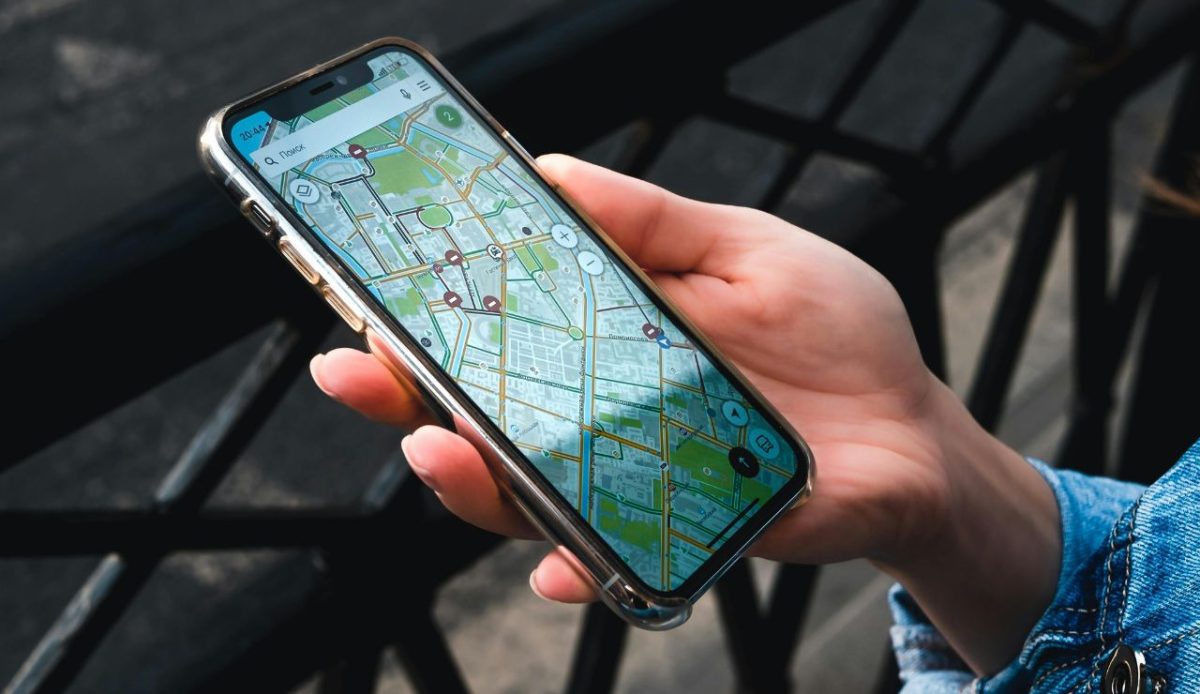
Old travel apps often stick around long after a trip ends, taking up storage and holding outdated data. Airline, hotel, or booking apps may still store your old reservations or even payment details. Before your next flight, delete everything from past journeys and reinstall only what’s needed for your current one. It’s not just about storage, it’s about privacy. Fewer outdated apps mean fewer opportunities for cyberthreats and smoother performance when you need speed on the go.
7. Excess Screenshots and Duplicates

Your camera roll is probably overflowing with random screenshots, recipes, Wi-Fi passwords, and old chats you no longer need. These clutter your phone and slow down backups to cloud storage. Use your gallery’s cleanup feature to delete duplicates, memes, and blurry images. Freeing up space ensures your device performs better and has room for high-quality travel photos and videos. It’s digital decluttering that makes every new picture a memory worth keeping, not replacing.
8. Browser History and Cache
Your browsing history stores more personal data than you think, including sites visited, autofill forms, and cookies tracking your habits. Before connecting to hotel Wi-Fi or airport networks, clear your cache, cookies, and saved data. This simple step helps protect you from identity theft and phishing scams. It also speeds up performance, giving your phone a fresh start online. Think of it as clearing customs for your digital self before exploring new destinations.
9. Unverified Third-Party Apps
Before traveling, audit every app on your phone. If it’s from an unknown developer or downloaded outside official app stores, delete it immediately. These unverified apps often hide malware, steal data, or request invasive permissions. Even harmless-looking ones can access your camera or location without consent. When you’re abroad and connecting to unfamiliar networks, keeping only trusted apps ensures your personal data stays secure. A clean, verified device is your best digital travel companion.