
Hotel self-check-in has shifted from a perk to a baseline feature, with kiosks, mobile keys, and app-based arrival now common. Done well, it cuts lobby lines and lets you go straight to your room after a long trip, even during peak check-in hours.
Done poorly, it feels like the hotel replaced help with hardware, leaving guests stuck when something glitches, a card won’t authorize, or a room isn’t ready. Those first ten minutes can color the whole stay.
The real story is the trade-off: speed and control versus human support, privacy, and flexibility. Below are five ways self-check-in is changing the guest experience for better or worse.
Faster arrivals that reduce lobby bottlenecks

Self-check-in can make arrivals faster when the lobby is slammed. A kiosk or app handles the basics: name, ID, payment hold, key, so you’re not waiting behind long desk conversations, tour groups, or airline crews.
For business travelers, that means fewer missed meetings. For families, it can mean getting kids upstairs before the meltdown stage. Hotels also like the smoother traffic flow and smaller crowding problem.
The downside is that “fast” can become “fixed.” If you need a quieter room, late checkout, or a quick local tip, you may have to hunt for a person anyway, which can cancel the time saved.
Convenience that collapses when systems fail
When the tech works, self-check-in feels effortless. Mobile keys can appear before you arrive, and kiosks can print a card in seconds, with fewer signature screens and less paperwork. It also reduces awkward lobby waits after long travel days.
When it fails, it fails at the worst time: late-night arrivals, weak Wi-Fi, app logouts, dead kiosks, or a key that won’t sync to the door. A “digital-first” lobby needs a clear backup plan.
The best hotels treat automation as a shortcut, not a replacement. They keep staff visible, offer quick override tools, and fix issues without making guests repeat everything three times.
A different kind of service when the desk isn’t the hub
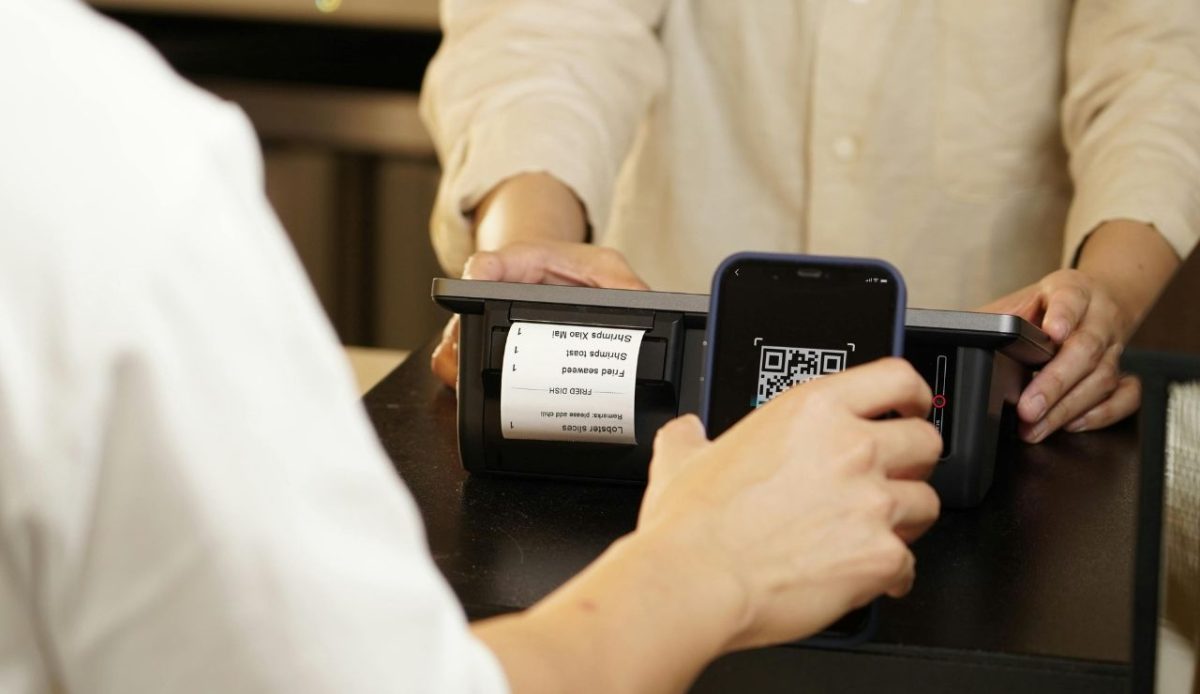
Traditional check-in doubles as orientation: breakfast hours, parking rules, resort fees, and what’s walkable nearby. With self check-in, guests may skip that moment and miss small details that prevent later headaches.
Some hotels solve this with a clean digital welcome: a short message with essentials, a simple map, and an easy way to request towels or a crib. That can feel smoother than a rushed speech at the counter.
Others dump everything into an app maze of pop-ups and upsells. If the only “help” is a chatbot and a QR code, the stay can feel less like hospitality and more like renting access.
Edge cases that reveal whether automation is guest-friendly
Self-check-in is great for simple stays, but real trips come with curveballs. Split payments, adjoining rooms, name changes, early check-in, or a last-minute room move after a noise issue can break the “tap and go” flow and force a restart.
Automation only feels guest-friendly when humans can step in fast. A visible support point, real staff on in-app chat, and the ability to override rigid rules without a manager hunt are what separate smooth from stressful.
Response time is the giveaway. A two-minute fix makes the system feel modern; a twenty-minute wait for someone to “unlock” it makes guests wish they’d stood in the old front desk line.
Security gains, privacy questions, and the new “data cost.”
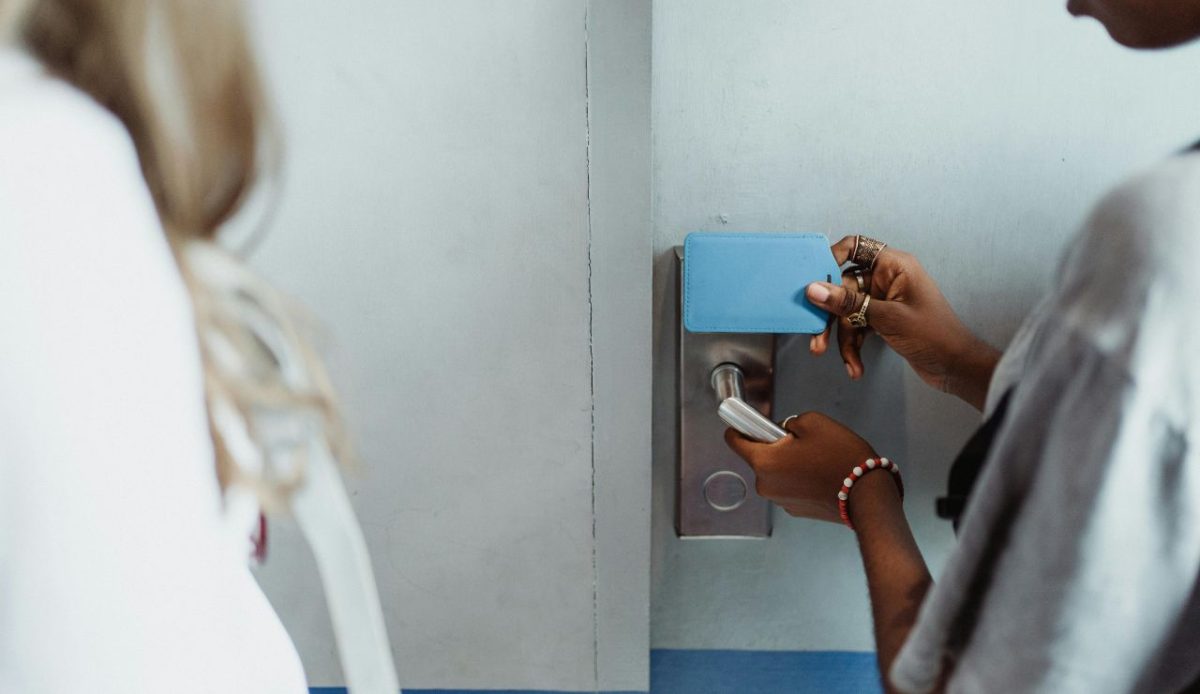
Self-check-in can improve security in simple ways. Mobile keys reduce lost cards, access can be logged, and duplicate-key requests may require clearer verification than a rushed lobby exchange.
But privacy concerns rise as more steps move into apps: ID scans, device permissions, location tracking, and marketing opt-ins bundled into the same screen as your room key. Some guests feel they’re paying with data, not just money.
Guest-friendly setups keep choice. They offer a standard keycard without pressure, explain what’s stored and for how long, and make it easy to opt out while still getting the basics done fast.