
Losing your phone while traveling can feel devastating; it holds your tickets, maps, photos, and vital apps that keep your journey smooth. Yet panicking won’t help; what matters is acting fast and smart. With a few careful steps, you can protect your data, locate your device, and stay connected without letting the loss ruin your trip. From retracing your steps to using tracking tools, here are ten smart things every traveler should do immediately after losing their phone abroad.
1. Stay Calm and Retrace Your Steps

Before assuming the worst, pause and think clearly. Many travelers panic and forget that most lost phones are misplaced. Take a deep breath, sit down, and mentally retrace your recent movements. Check the café counter, hotel reception, or seat pockets on transport. Politely ask nearby staff or security if anything was turned in. Calmness helps memory, while quick retracing often brings results. Acting with patience and logic significantly improves recovery chances.
2. Use a Friend’s Phone or Laptop to Track It

If tracking was enabled, act fast using another phone or computer to locate yours. Apple users can open Find My iPhone, while Android users can use Find My Device to view the live or last known location. You can also make the phone ring loudly, even on silent, or display a message for whoever finds it. If the battery is off, note its last seen spot and check immediately. Acting within the first few hours greatly improves your chances of recovery.
3. Lock Your Phone Remotely
Once you confirm your phone is missing, lock it remotely to block unauthorized access. Both iCloud and Google allow you to display a custom message with alternate contact details on the screen. This helps honest finders reach you while keeping your data safe. Remote locking also prevents strangers from opening banking, messaging, or email apps. Acting fast digitally is as crucial as searching physically when it comes to protecting personal information.
4. Change Passwords Immediately
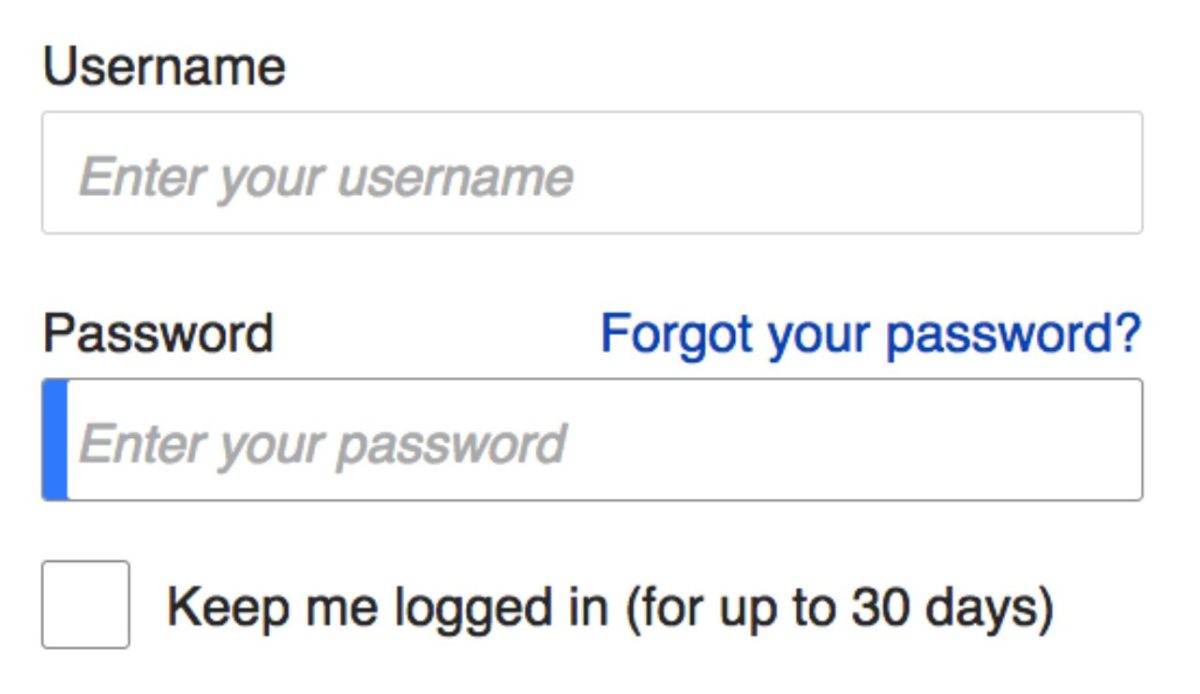
Your lost phone holds entry to your digital world, so protect it right away. Use another trusted device to change passwords for key accounts such as email, banking, and social media. Start with your Apple ID or Google account to cut off any synced access. Update two-factor authentication settings to new numbers or backup codes. These steps ensure that even if someone finds or steals your phone, they can’t exploit your personal information or apps.
5. Contact Your Mobile Carrier

Reach out to your carrier as soon as possible. They can suspend your SIM card, block data usage, and mark your device’s IMEI as lost or stolen. This prevents unauthorized calls or fraudulent activity on your account. Some carriers even offer tracking or replacement options under travel insurance. Once secured, request a new SIM for continued communication. Acting early with your network provider helps limit financial risks and stops identity misuse abroad.
6. File a Local Police Report

If you suspect theft or have lost it in a public area, file a report at the nearest police station. Provide details like the phone’s make, model, color, and serial number if available. Police reports often help with travel insurance claims or official replacements later. In tourist regions, lost devices are sometimes turned in after a delay, and having documentation simplifies recovery. Always keep a copy or photo of the report for embassy or carrier verification.
7. Inform Your Embassy if Abroad

When traveling internationally, losing a phone can limit access to digital passports, IDs, or emergency contacts. Notify your country’s embassy or consulate immediately if it affects your ability to communicate or identify yourself. They can guide you on contacting local authorities, connecting with relatives, or replacing stolen documents. While embassies cannot replace your device, they ensure your safety and communication lines remain open, providing essential assistance during difficult travel moments abroad.
8. Check Your Cloud Backups
Even if the phone is gone, your memories don’t have to be. Log in to your iCloud, Google Drive, or photo backup to confirm your data is safe. Cloud services automatically store contacts, pictures, and notes if enabled beforehand. You can restore these to a new or temporary phone quickly. Regular backups minimize panic and loss when things go wrong. This habit turns a major inconvenience into a manageable problem while keeping your travel memories intact.
9. Use an Old or Temporary Phone

If recovery seems unlikely, secure a temporary replacement. Many airports, shops, or phone kiosks sell affordable prepaid models and SIM cards. Logging into your Google or Apple account restores essentials like contacts and apps within minutes. Borrowing an older phone from a friend also works. Staying connected ensures you can navigate maps, confirm bookings, and contact loved ones. A temporary phone keeps your trip on track despite the unexpected loss.
10. Review Safety Habits for the Future
Once the crisis settles, turn the experience into a lesson in smart travel habits. Always set strong passcodes, enable tracking apps, and keep your device in zipped or crossbody pockets. Avoid leaving phones on café tables or transport seats. Back up data before every trip and carry photocopies of critical documents. A little preparation goes a long way; these simple precautions protect you from repeat stress and keep your next adventure worry-free.