
Ride-share pickups at big U.S. airports are rarely as simple as “walk outside and tap request.” To reduce curb congestion, many airports push Uber/Lyft to garages, remote lots, or specific doors and levels. That sounds orderly, until you’re jet-lagged, your app pin drifts, and three different signs point three different ways.
This list highlights airports where ride-share pickup can feel especially chaotic because the pickup is consolidated away from baggage claim, split by terminal/level, or routed through shuttles and bridges.
Nothing here is about dunking on an airport; most of these rules exist to keep traffic moving. The win is knowing what to expect before you land.
1. Los Angeles International (LAX)
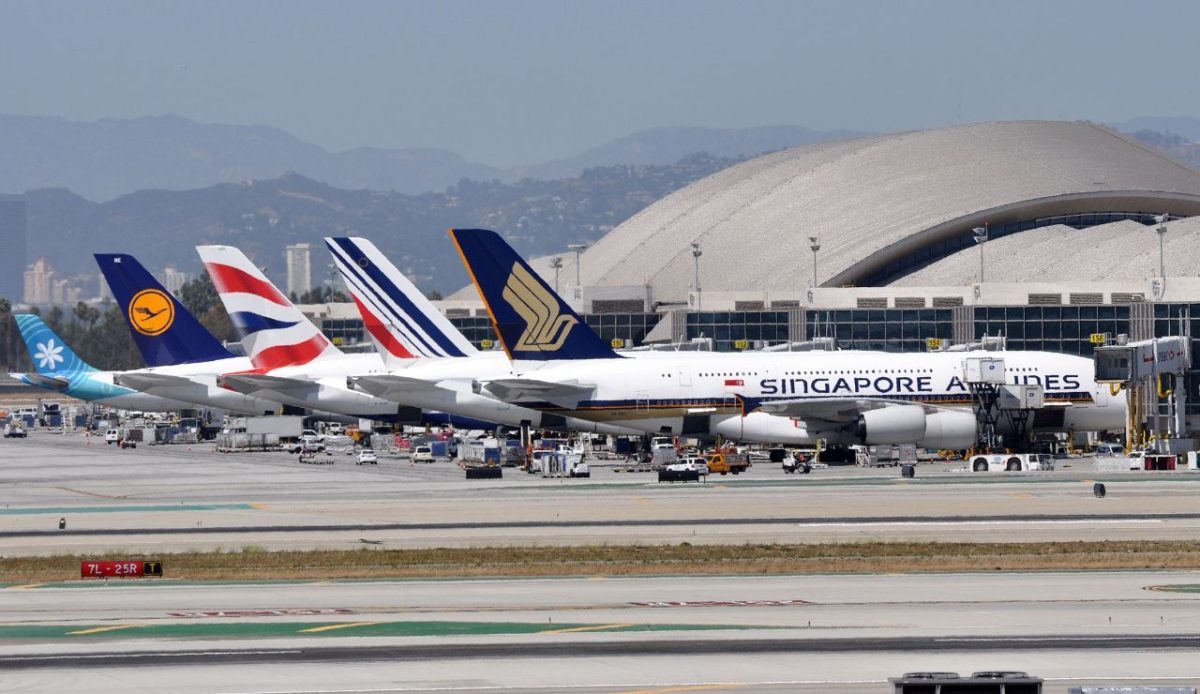
At LAX, many ride-share pickups funnel through LAX-it, a dedicated lot near Terminal 1. If you expect curbside pickup at baggage claim, the detour can feel like an extra mini-trip.
Depending on terminal and time, you’ll either walk or take a shuttle, then match the right curb or zone inside a crowded staging area. When flights bank in, the line for shuttles and the “where exactly is my driver?” moment can stack up fast.
Small details matter here: which terminal you arrived at, whether your ride type is allowed at LAX-it or curbside, and which curb number the app assigns. Request only after you’re in position and ready to move quickly, no guesswork.
2. New York–JFK (JFK)
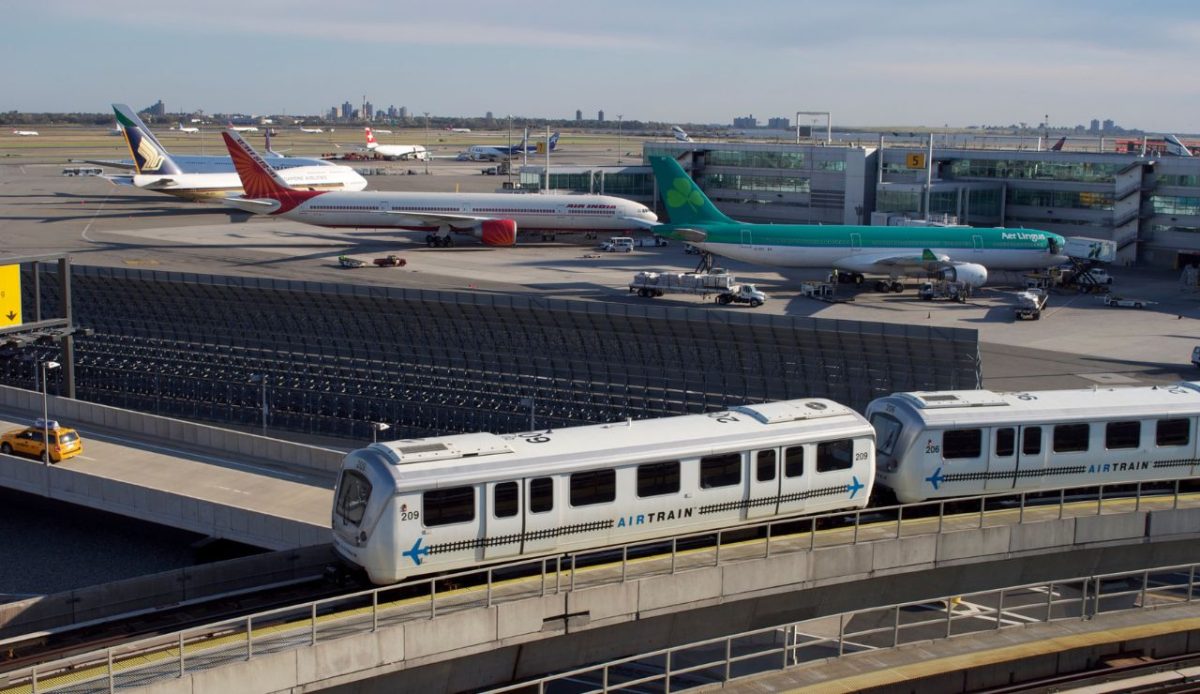
JFK has been shifting ride-app pickups away from terminal curbs to reduce roadway gridlock. For some terminals, that can mean taking the AirTrain or a shuttle to a designated ride-app lot instead of stepping outside and spotting your car.
That extra leg adds friction: you’re juggling bags, choosing the right station or lot, and hoping your app pin doesn’t cling to the terminal you already left. If you request too early, drivers may circle or cancel while you’re still in transit.
Treat it like a transfer. Get to the official ride-app area first, then request, and use the app’s pickup details (zone/lot color, door, or level) like it’s your boarding pass.
3. Atlanta (ATL)
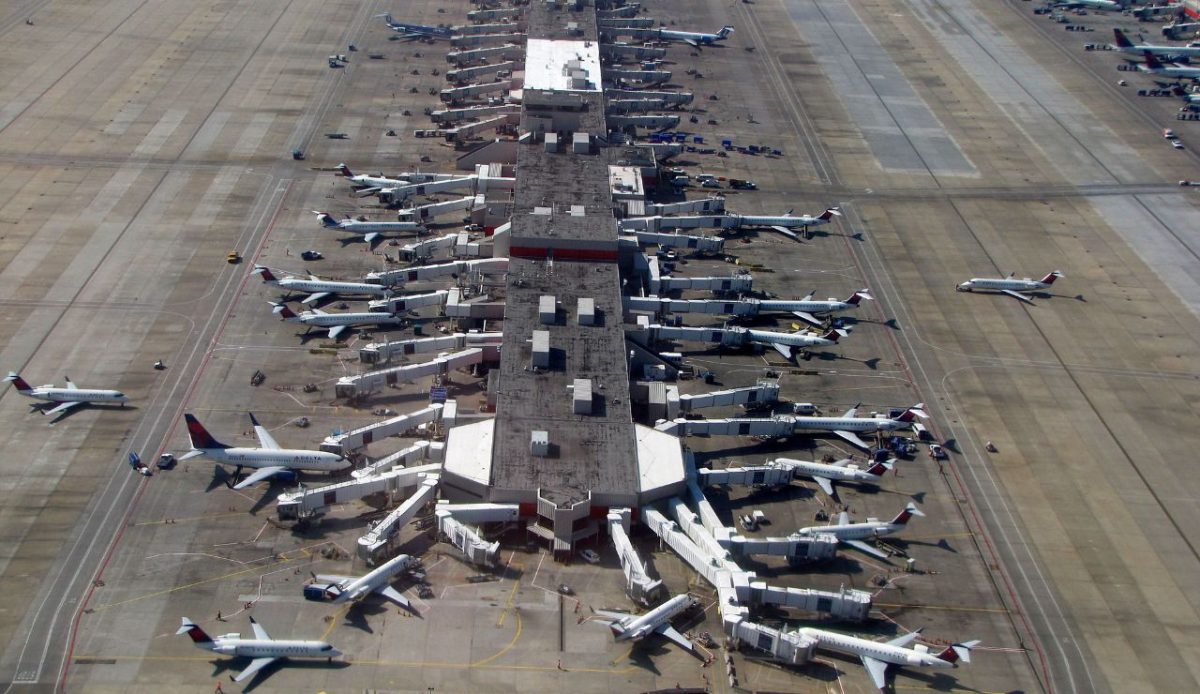
Atlanta’s ride-share pickup isn’t simply “outside baggage claim.” The airport consolidates many pickups in an economy parking area, which usually means a walk through the terminal’s ground-transportation routes and following color-coded signs.
The confusion hits when groups split up, cell service dips, and everyone requests rides from slightly different spots. Drivers are dealing with strict pickup lanes and limited curb time, so a wrong door or a drifting pin can turn into a loop-and-cancel situation.
Before you request, pause and confirm you’re in the designated pickup zone for your terminal (domestic vs. international matters). Then pick a clear meeting point, stay put, and message your lane/zone if the app allows.
4. Denver (DEN)
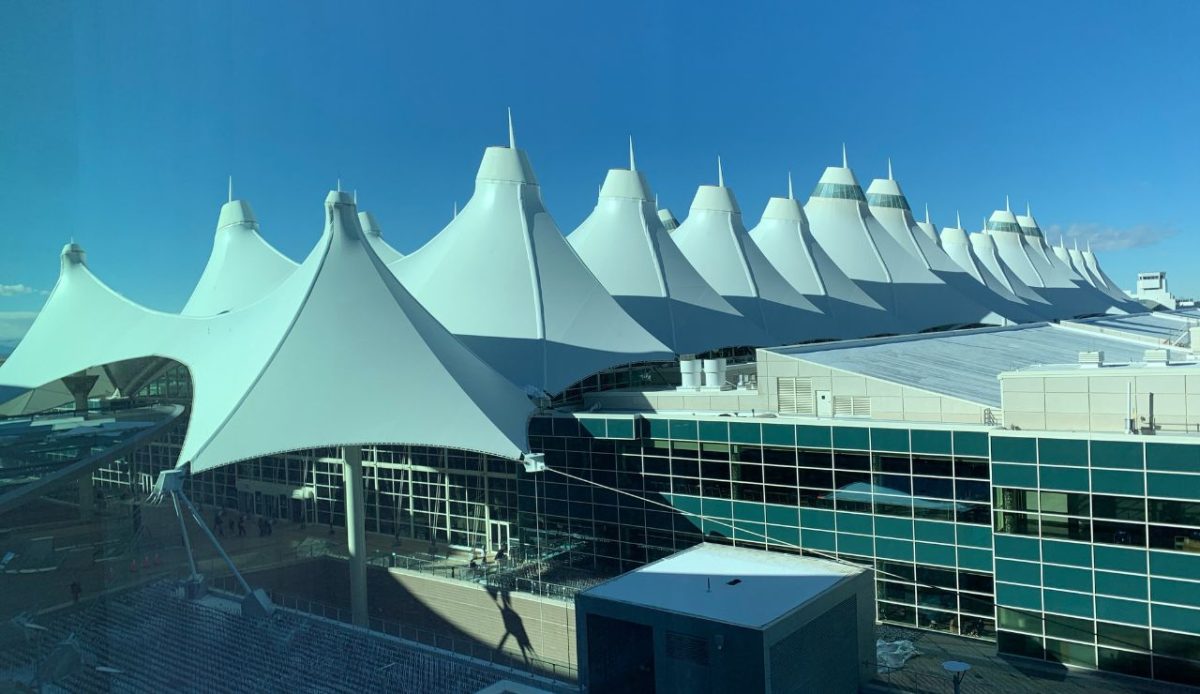
Denver routes ride-share pickups to a specific island on Level 5, split by the East and West sides of the terminal. That sounds straightforward, but it’s easy to end up on the wrong side after a long walk from your gate or baggage claim.
Once you’re outside, it’s a sea of doors and numbers, with multiple streams of traffic and plenty of people standing in the wrong place “just for a second.” If your driver is assigned to the opposite side, you may be staring at each other across lanes.
The fix is boring but effective: pick East or West in the app based on where you actually exit, then follow the nearest door numbers for that side. Request only when you’re on the correct island and can see the signage.
5. Las Vegas (LAS)
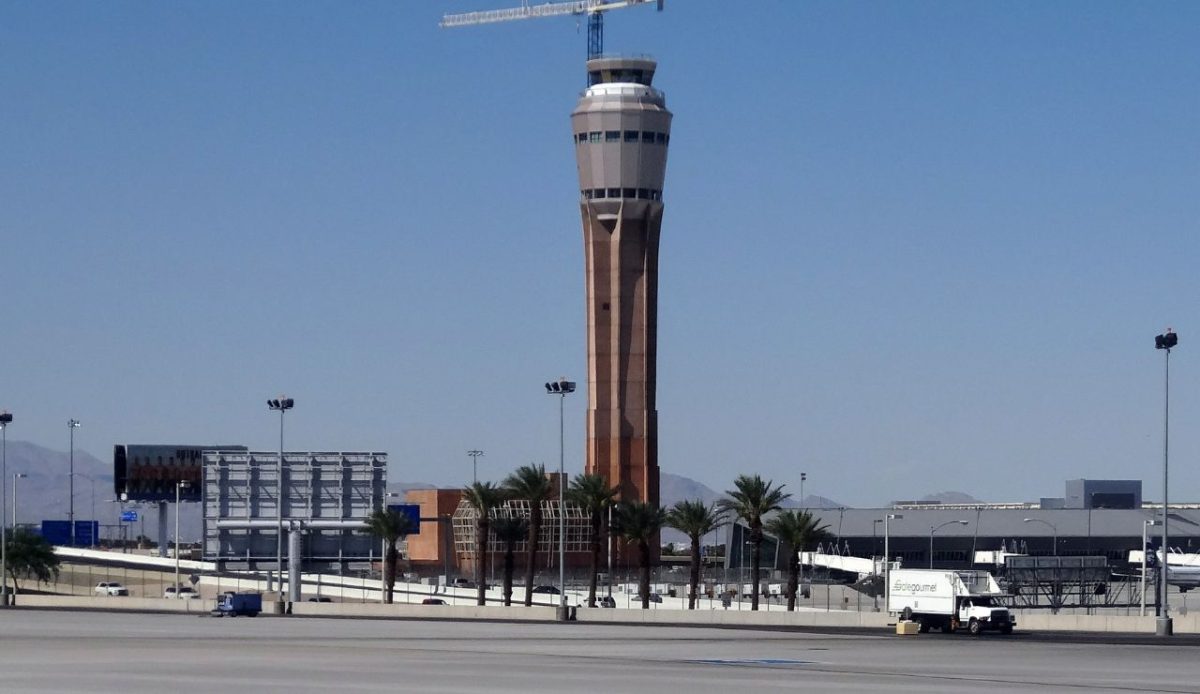
Harry Reid International funnels ride-share pickups into the parking garages, and the path depends on which terminal you land in. Instead of a quick curbside grab, you’re often crossing bridges, changing levels, and hunting for the right garage section.
Vegas arrivals tend to surge in waves, so the garage pickup area can feel like organized chaos: loud crowds, luggage everywhere, and drivers trying to match names while traffic inches along. If you step into the wrong level, you can lose 10 minutes fast.
Follow the terminal-specific ride-share signs all the way to the pickup level, then request. Screenshot the pickup instructions in your app in case signal gets weird, and double-check your terminal before you start walking.
6. San Francisco (SFO)
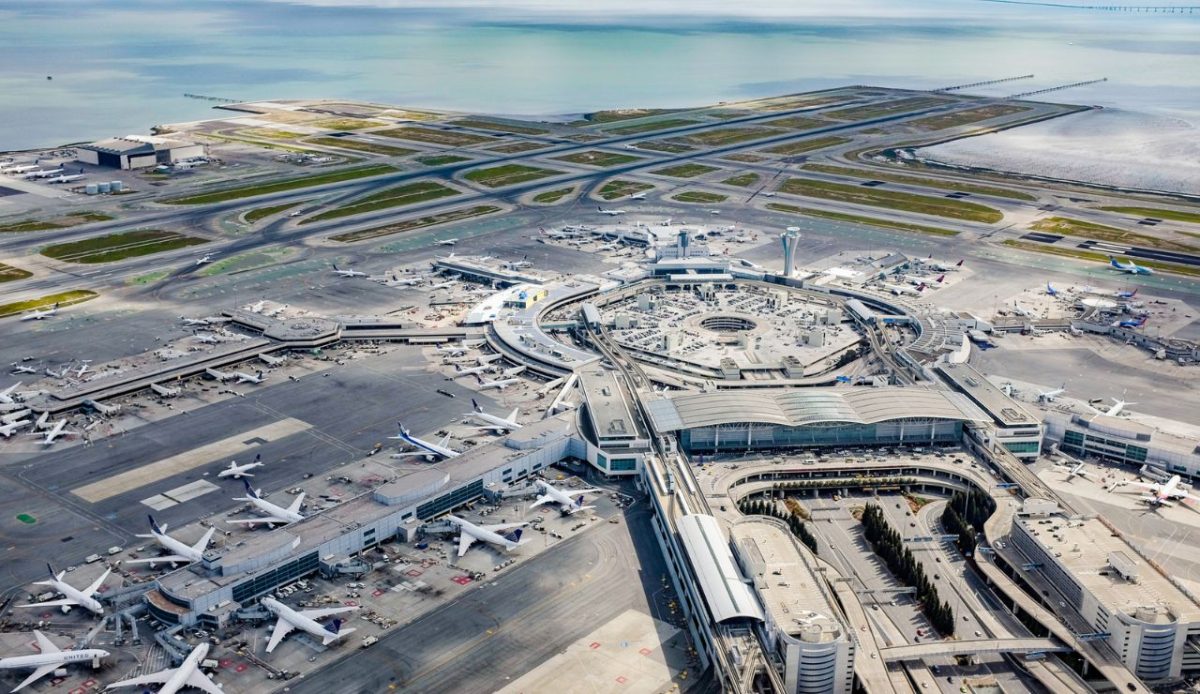
At SFO, many ride-share pickups for domestic terminals happen in the Domestic Garage rather than at the curb. You’re typically heading to a specific garage level and then finding the correct “core” area for your terminal.
After a late-night arrival, that garage walk can feel longer than it looks on a map, and the pickup zones can blend together if you’re not watching the terminal letters. Add heavy traffic on busy weekends, and drivers may creep through while riders drift between pillars.
The key is to match your terminal to the correct garage pickup area before requesting. If you’re unsure, use airport signage first, not the instinct to follow the crowd. Once your pin is stable inside the garage zone, then hit request.
7. Chicago O’Hare (ORD)
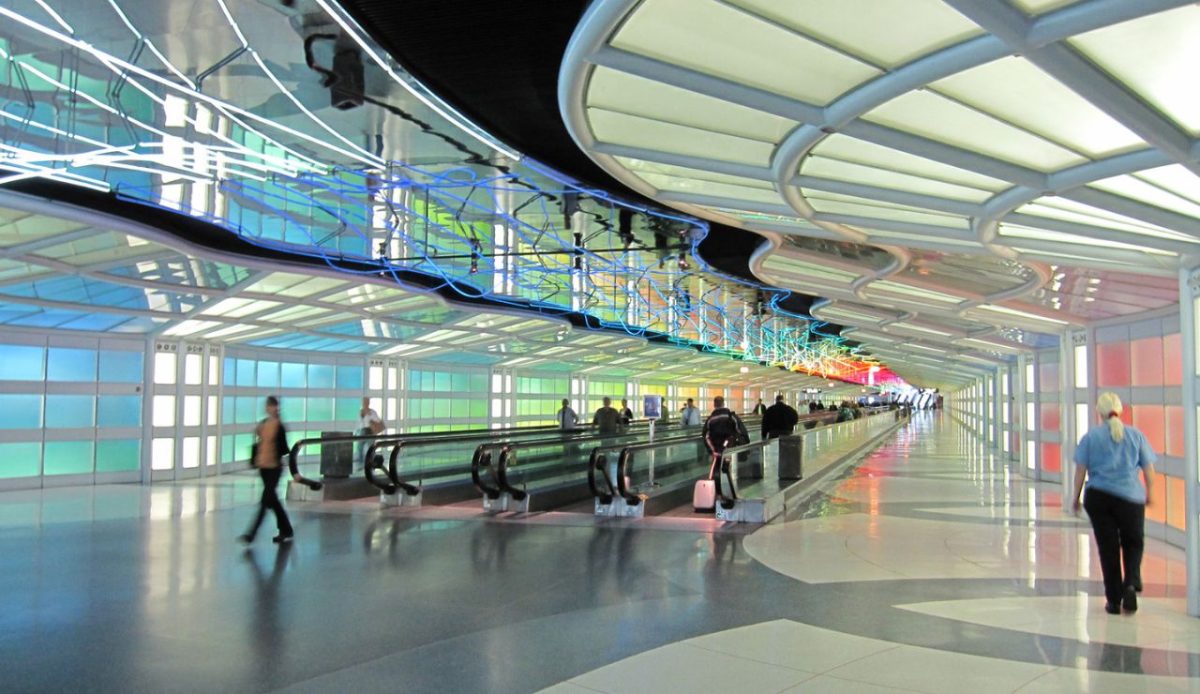
O’Hare’s ride-share rules can be deceptively specific, with pickups often tied to certain terminals, levels, or designated areas that don’t always match where you physically exit with your bags.
The “mess” factor comes from split instructions: some rides meet on upper departure levels, others on lower arrival levels, and construction or traffic controls can force last-minute changes. If you request while still inside, your driver may be routed somewhere you can’t reach quickly.
Treat ORD like a choose-your-own-adventure with consequences. Follow posted ride-share signage to the official pickup zone for your terminal and level, then request once you’re standing at the correct curb. If you’re traveling with a group, pick one zone and commit.
8. Miami (MIA)
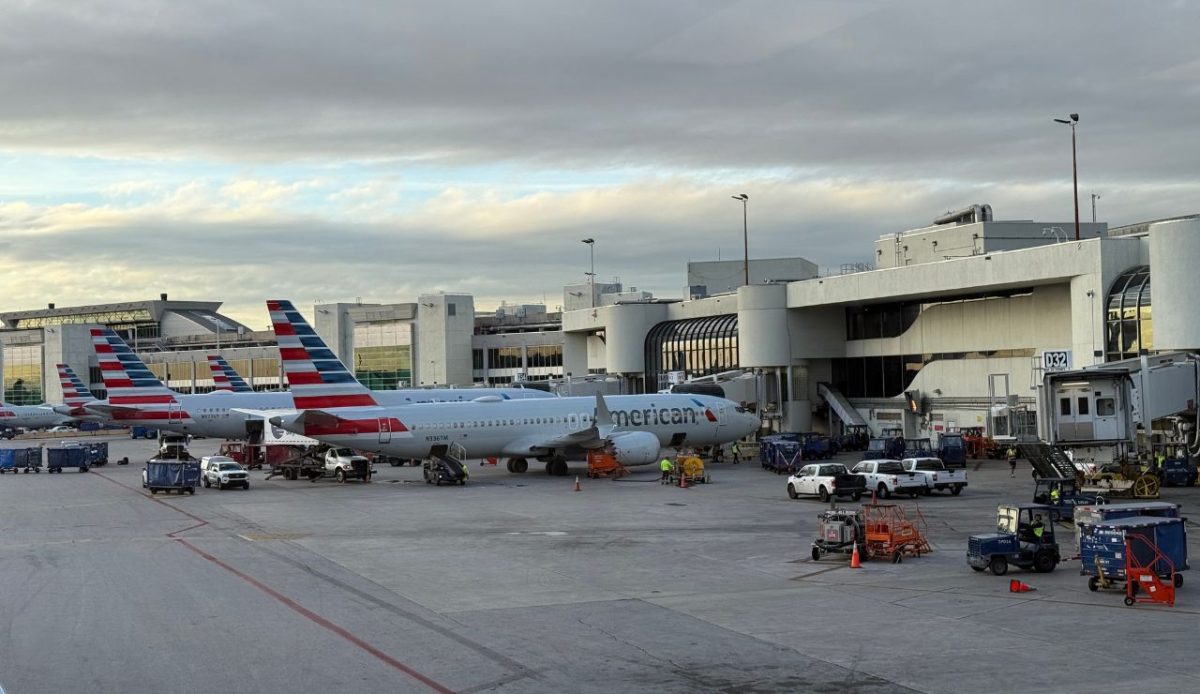
Miami’s ride-share pickup is typically organized by curb and lane, but the airport’s layout can still trip people up, especially if you exit the wrong side or end up on a level that doesn’t match the pickup instructions.
Between heavy traffic, frequent drop-offs, and lots of passengers requesting at once, the pickup area can clog quickly. A small mistake, like standing at the outer curb when pickups are on the inner curb, turns into frantic waving and missed cars.
Before you request, confirm your exact level and curb position, then pick a door marker or column number as your anchor. Keep your party together and stay planted; wandering to “find the driver” usually creates two moving targets instead of one clean pickup.
9. Seattle–Tacoma (SEA)
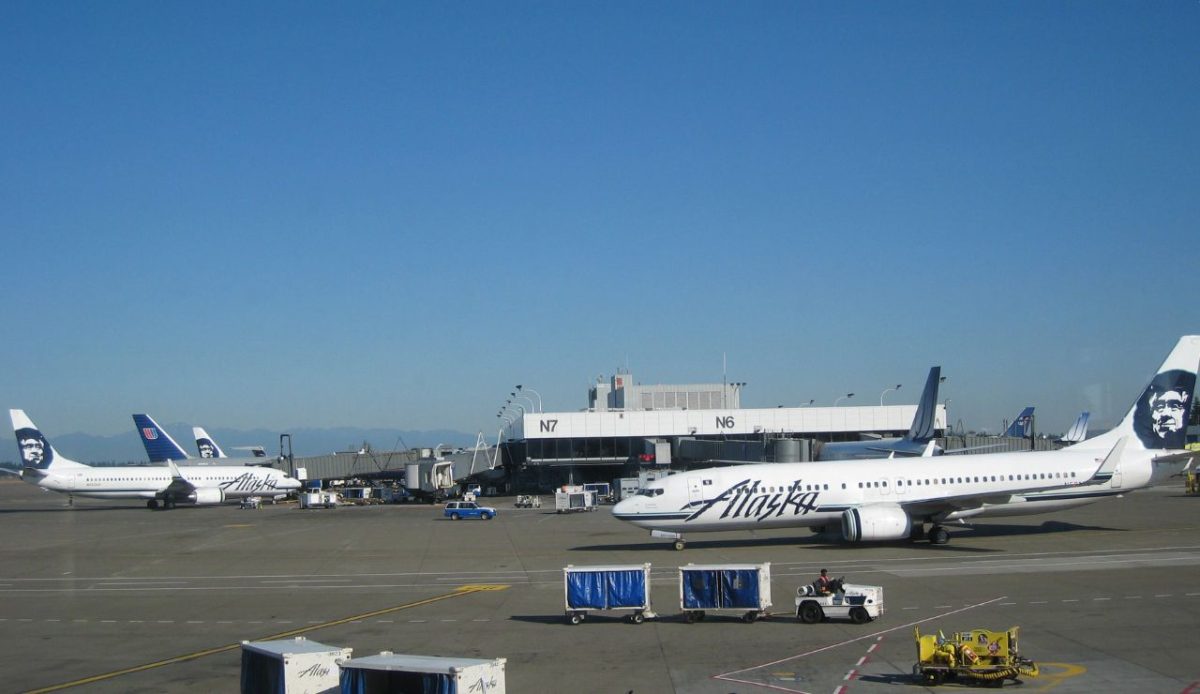
Sea-Tac pushes most ride-app pickups into the parking garage rather than the arrivals curb, on a dedicated floor. That removes cars from the roadway, but it adds a wayfinding challenge when you’re tired and the garage looks like every garage.
The confusing part is the transition: you leave baggage claim, follow signs toward ground transportation, then pop into a multi-level structure where GPS can wobble. Riders often request too early and end up assigned to a pickup point they haven’t reached.
Follow the “Ride App” signs all the way into the garage and stop at the marked pickup area before requesting. If you’re meeting someone, share a specific garage landmark (section letter, row, or pillar) so everyone converges on the same spot.
10. Boston Logan (BOS)
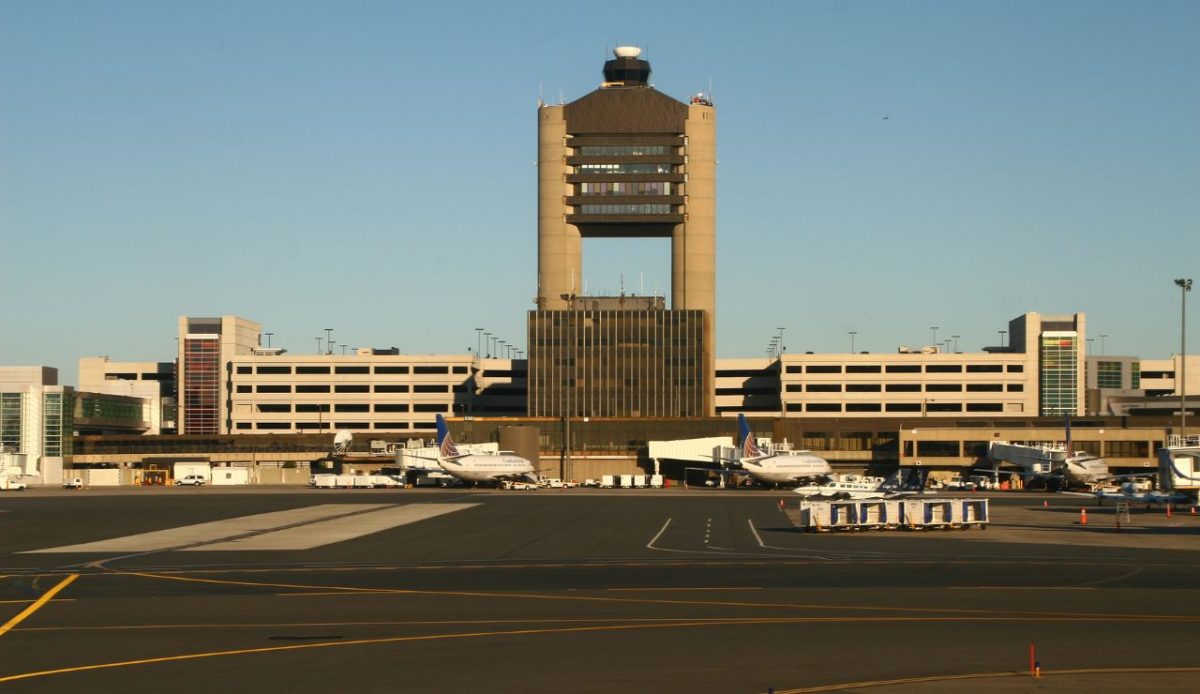
At Logan, ride-app pickups are routed into garages rather than at-the-curb for several terminals. Depending on where you arrive, you may need to walk to Central Parking or a terminal-specific garage level to meet your driver.
The “why is this taking so long?” moment usually comes from the elevated walkways and level changes. If you follow the wrong garage signs, you can end up one terminal over, with your driver waiting in a different pickup bay.
Keep it simple: collect bags first, then follow signs specifically labeled for ride apps, not generic parking. Once you’re in the designated garage pickup area for your terminal, request the ride and use the exact pickup bay details the app gives you.
11. Washington Reagan National (DCA)
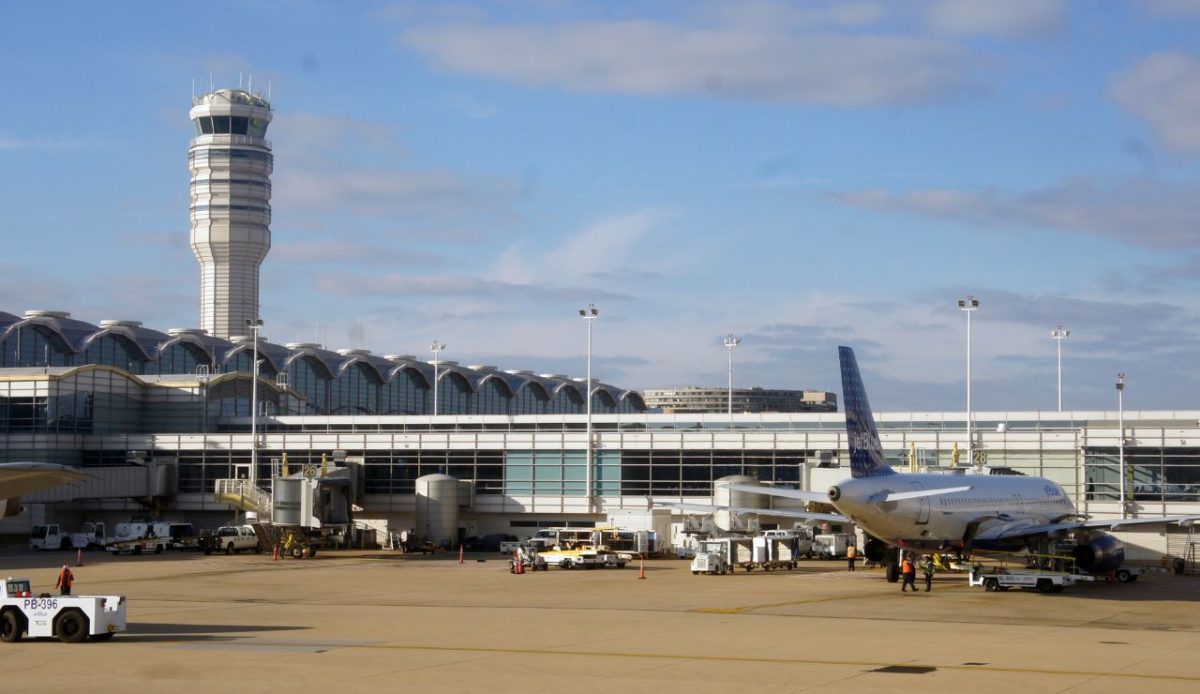
Reagan National is compact, but ride-share pickups can still get messy because the airport uses specific curbs and zones by terminal and level. In practice, that means the correct pickup point might be one roadway over from where you naturally exit.
Add peak-hour traffic on the parkway approaches and short curb dwell times, and drivers may roll through quickly. If you’re standing at the inner curb while your app expects the outer curb, you’ll watch the car pass like it’s a sitcom.
Before requesting, confirm your terminal and follow the posted ride-app zone numbers until you’re at the correct curb. Then stop moving, keep your phone visible, and use a clear landmark (zone sign or door number) when messaging your driver.